AdminControl
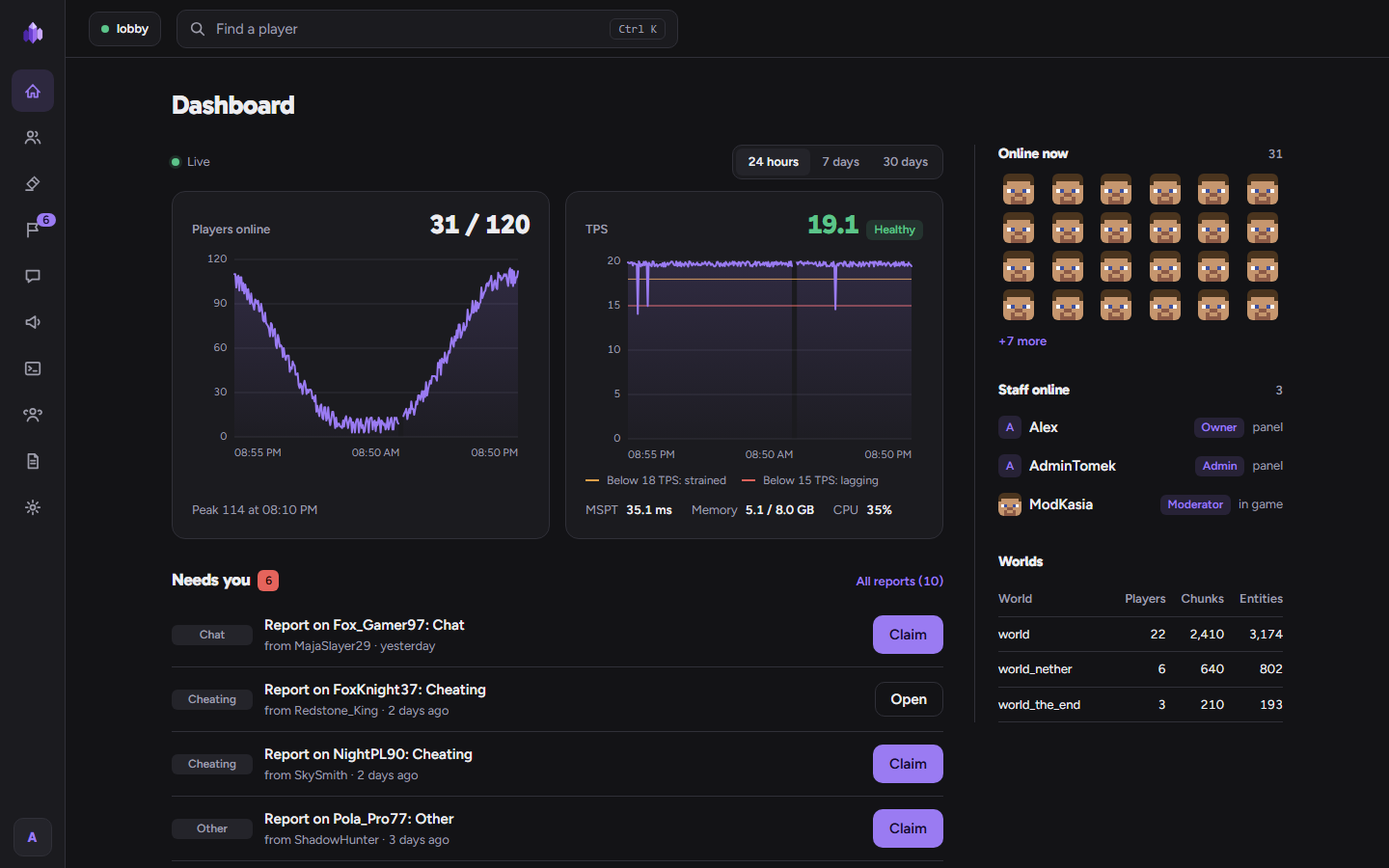
AdminControl is a moderation and server-management plugin for Paper and Purpur with its own web panel. Bans, mutes, warnings, the live chat, the console, announcements, player reports, your staff team and an audit log are all in one place, in game and in the browser, with two-step sign-in for every panel account.
Requirements
- Paper, Purpur, Folia or Spigot 1.20.6 to 26.3 (tested on Paper 1.20.6, 1.21.4 and 26.3, Purpur 26.3, Folia 1.20.6 and 26.3, Spigot 1.20.6, 26.1.2 and 26.2). On Folia see "On Folia" in Install.
- Java 21 or newer: what your server version needs (26.x needs Java 25).
- For the panel from outside your machine: a domain and a reverse proxy with HTTPS (see Panel over HTTPS).
- Optional: a Velocity network (Velocity 3.5 and 4.x, with a shared MySQL or MariaDB database; Velocity 4.x needs Java 25): see Velocity network.
- Optional: a BungeeCord network (BungeeCord or Waterfall, with a shared MySQL or MariaDB database): see BungeeCord network.
- Optional: MySQL or MariaDB instead of the built-in SQLite file; LuckPerms; PlaceholderAPI (2.12.3 or newer on Folia and on 26.x, where 2.11 does not load); a Discord webhook.
Quick start
- Put
AdminControl.jarinplugins/and start the server. - Copy the setup link the console prints (
.../setup/..., valid for 30 minutes) and open it. - Choose the Owner name and password, scan the QR code with an authenticator app and keep the 10 backup codes.
- Invite your staff from Team → Invites; each one picks a password and sets up 2FA.
- Before you open the panel to the internet, put it behind HTTPS: Panel over HTTPS.